Logan Circle is closed until further notice following a shooting yesterday.
Take a minute to meet your club and everything your membership unlocks.

Three steps to settle in and start training.


The tools and links you’ll use most, all in one place.
Perks and discounts across the VIDA family of brands.

Select your club for hours, contact details and your general manager.
Sign in to your MyiClub account to update billing information, review your membership agreement, manage account details, and view your visit history.
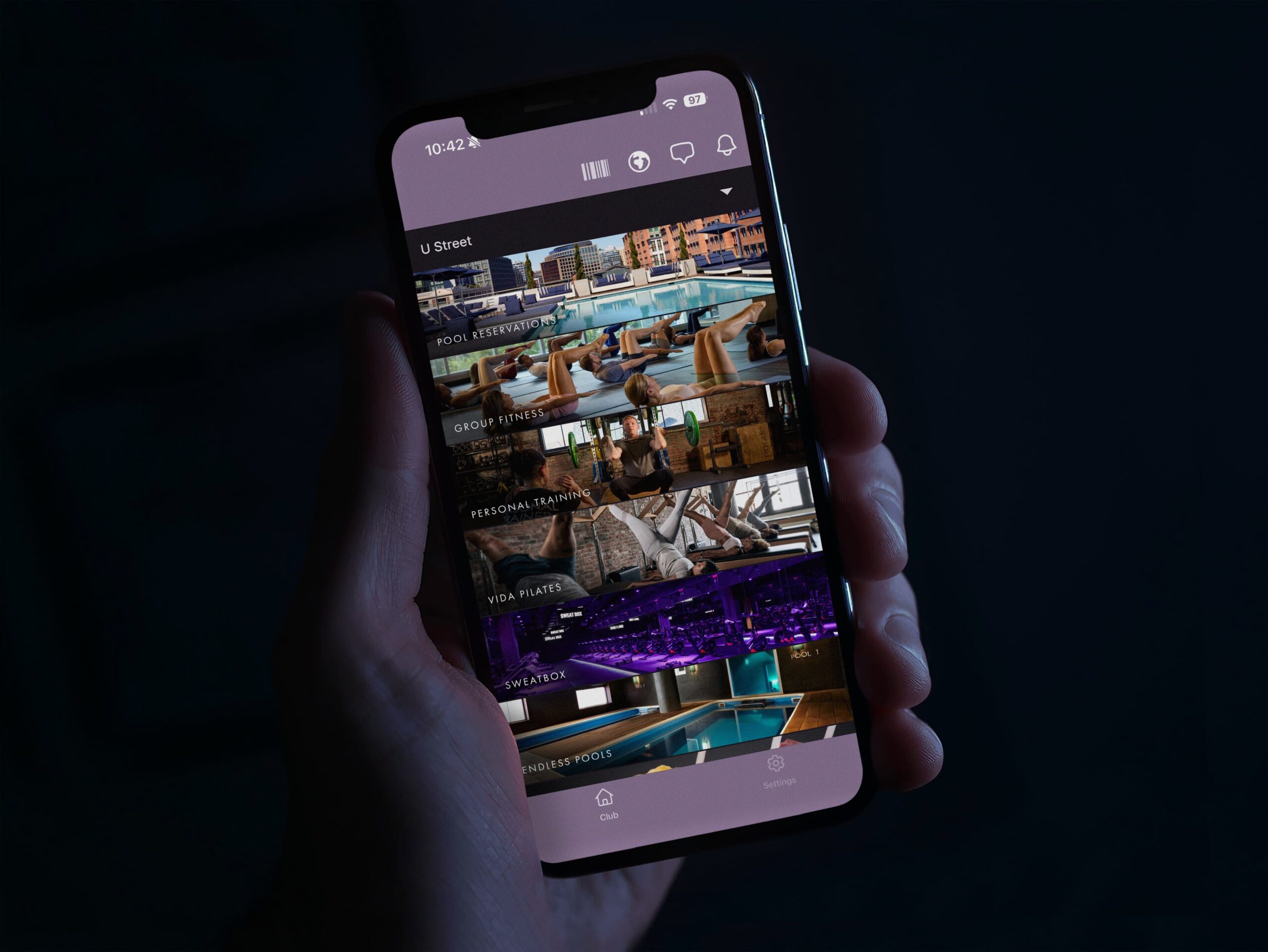
Use the VIDA Fitness app to view class schedules and reserve your spot. Select your preferred VIDA location to see available classes.
VIDA members receive a complimentary Personal training assessment called a VIDAFit and a nutrition assessment called a NutritionFit to help you better understand your fitness, movement, and nutrition goals.
Each membership comes with two guest passes, and we offer 2 additional free guest days per month. All guests need to arrive with a member and provide a valid government-issued ID.
To make updated to your membership like upgrading, downgrading, or transfering, visit the Manage Account page. To cancel, sign in to your MyiClub account, select My Agreement Info → Request Cancel, and follow the prompts.
Your VIDA team is here to help. Contact your home club or General Manager with questions about your membership, account, or club experience.
VIDA currently uses several apps to access different services. Download the apps you need based on the services you use.

Hi there! Exploring memberships or curious to try a workout first? Select an option or just type a question below!